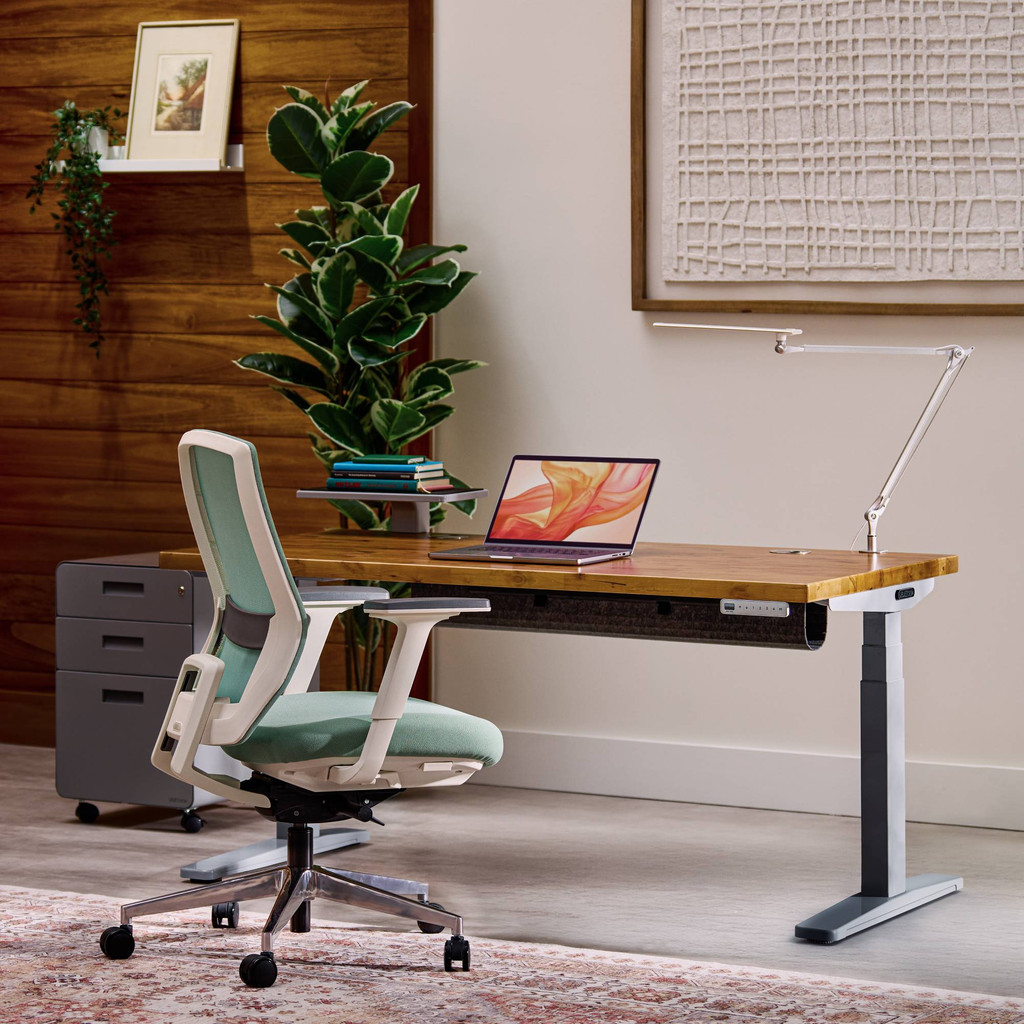
UPLIFT V2 Standing Desk
Fits this 60-inch planning group.
UPLIFT Desk
- Dual motors
- Published lift rating
Home and office calculator
People sizing a sit-stand desk from monitors and desktop load. The decision this page isolates is narrow on purpose: estimate a lift-capacity floor and width class from monitor count and weight. Desk load, seat count, and room width are easier to measure than they are to reverse after a delivery.
Minimum lift rating
55 lb
60-inch dual-motor desk
Real products that fit this planning category. Specs come from the manufacturer’s product page. These are examples, not rankings. The links are official product pages—not affiliate links yet.
Open a matching official example
Fits this 60-inch planning group.
UPLIFT Desk
Fits this 60-inch planning group.
FlexiSpot
Fits this 60-inch planning group.
Fully
The table below is a side-by-side of the official examples on this page. Columns are published facts—maker, planning class, and notes taken from the official page—not scores. UPLIFT V2 Standing Desk, FlexiSpot E7, and Fully Jarvis Bamboo are included so you can see how classes differ, then open the official page for the current specification.
| Example | Maker | Planning classes | Published notes |
|---|---|---|---|
| UPLIFT V2 Standing Desk | UPLIFT Desk | 60-inch, 72-inch, 48, Lift | Dual motors; Published lift rating |
| FlexiSpot E7 | FlexiSpot | 60-inch, 72-inch, Lift | Heavy-duty frame; Multiple widths |
| Fully Jarvis Bamboo | Fully | 60-inch, 48, Lift | Jarvis frame; Width options |
Measure: Weigh the monitors, arms, speakers, and anything that will sit on the moving desktop. Measure the wall-to-wall gap, then subtract 6 inches so the desk can travel without hitting baseboard or radiator. Note whether you need a 60-inch or 72-inch top from the room, not from a catalog photo.
Example: Two 27-inch monitors on arms plus a laptop and speakers often land near 45–55 lb on the top. A dual-motor frame rated 250 lb still needs that number under the published lift rating after you include the top itself.
Avoid: Buying by width only and ignoring lift rating. A wide top on a light single-motor frame racks, wobbles, and eventually refuses to rise once you add a PC under the desktop.
Add monitor weight and other desktop load, multiply by 1.25 for a lift margin, and choose a width class from monitor count.
It converts the published inputs on this page into a planning class using a published rule. Add monitor weight and other desktop load, multiply by 1.25 for a lift margin, and choose a width class from monitor count. The headline is a class such as 60-inch, 72-inch, 48, and Lift, not a vendor ranking.
This page does not rank UPLIFT V2 Standing Desk, FlexiSpot E7, and Fully Jarvis Bamboo. UPLIFT V2 Standing Desk and FlexiSpot E7 are listed because they are real products with official pages that map to different or overlapping classes. The useful question is which class matches your inputs.
Not on this page. The example links go to official manufacturer or service pages. If compensated links are added later, the disclosure on this page will say so in plain language.
Next review